
Choose the bill guide that matches what you need to do.
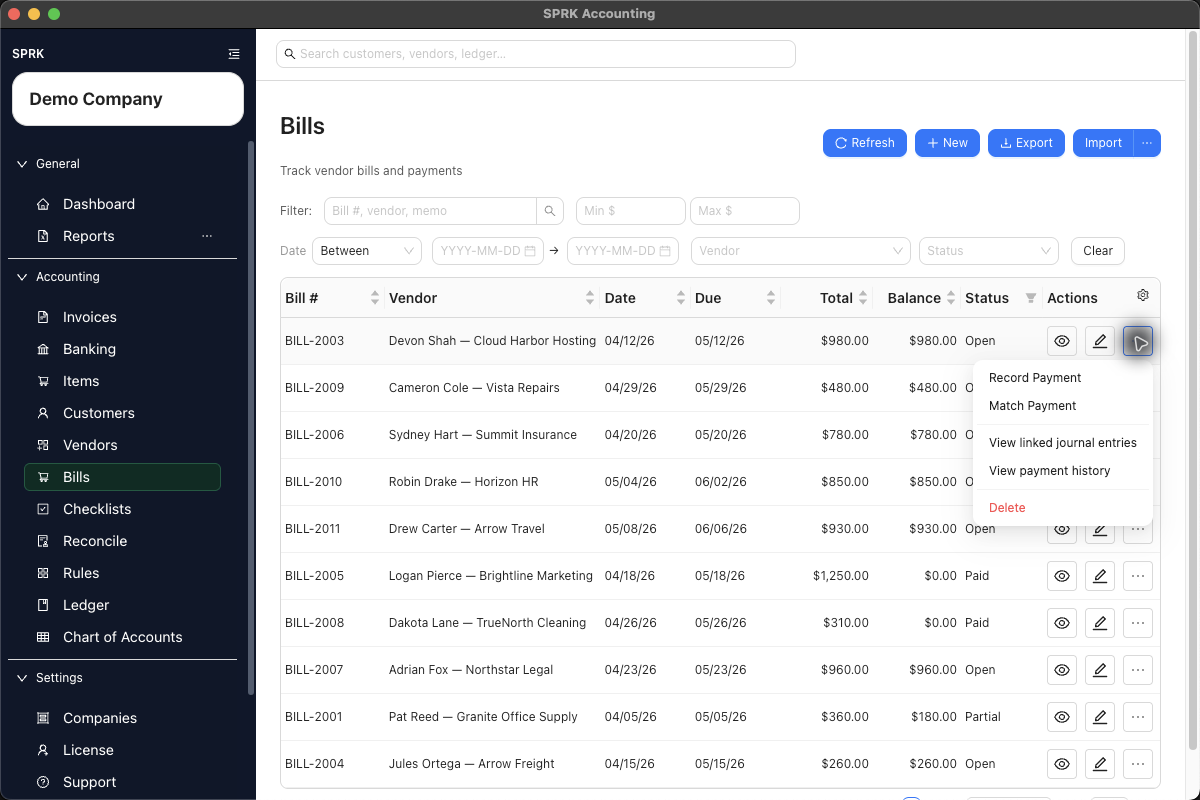
Start here
If you are entering a new bill, go directly to Create a bill. Use the choices below for other bill work.
Choose a bill task
| Goal | Use | Check First |
|---|---|---|
| Enter a new vendor bill | Create bills | Vendor, Pay from, due date, line accounts, and bill status |
| Record a full or partial bill payment | Record bill payments | Bill balance, Pay from, payment date, and whether a bank row should be matched |
| Import grouped bill rows from a file | Import bills | Vendors, line accounts, duplicate bill numbers, and Pay from routing |
| Match a bank withdrawal to an open bill | Match bank transactions | Pending bank row, open bill, vendor, amount, date, and difference |
| Void or correct a posted bill | Void or correct bills | Active payments, linked journals, bill status, balance, and reversal date |
| Choose a payables correction path | Review common payables workflows | Whether the issue belongs to vendor setup, bill entry, payment, banking, or journal review |
Before You Commit
- Confirm the active company before creating or changing bill records.
- Review whether
Pay fromshould use an Accounts Payable control account or a cash, bank, or credit-card settlement account. - Review line-level
Accountvalues before saving or importing. - Check bill balance before recording payment or voiding.
- Review payment history before reversing or correcting a bill with activity.
- Treat posted-save prompts, void confirmation, and paid-now routing as accounting-sensitive choices.
What Not To Assume
Paidstatus is not the same thing as matching a bank withdrawal.Default expense accountis not a substitute for reviewing line-level bill accounts.- A bill payment and a bank match can describe the same cash movement; avoid recording both unless both are intentionally required.
- Voiding a bill is not deleting it. A supported void preserves the bill and reversal history.
- Vendor defaults seed values; they do not remove the need to review each bill.
Practice and examples
- Practice reference: payables-vendor-bill-payment.csv