Gather visible import context after a failed, partial, duplicate, or confusing import without changing the source data again.
When to use this
- An import preview does not match what you expected.
- An import confirmation creates unexpected records, pending rows, documents, or journal entries.
- Duplicate warnings, unresolved names, account issues, or validation messages need review.
- You need to contact support with the details of a specific import attempt.
Do this first
- Stop before confirming another import attempt unless support asks you to retry.
- Note the active company and import page.
- Record whether you only previewed the file or confirmed it.
- If you confirmed an import, write down what changed afterward: pending bank rows, journal entries, documents, accounts, vendors, or reports.
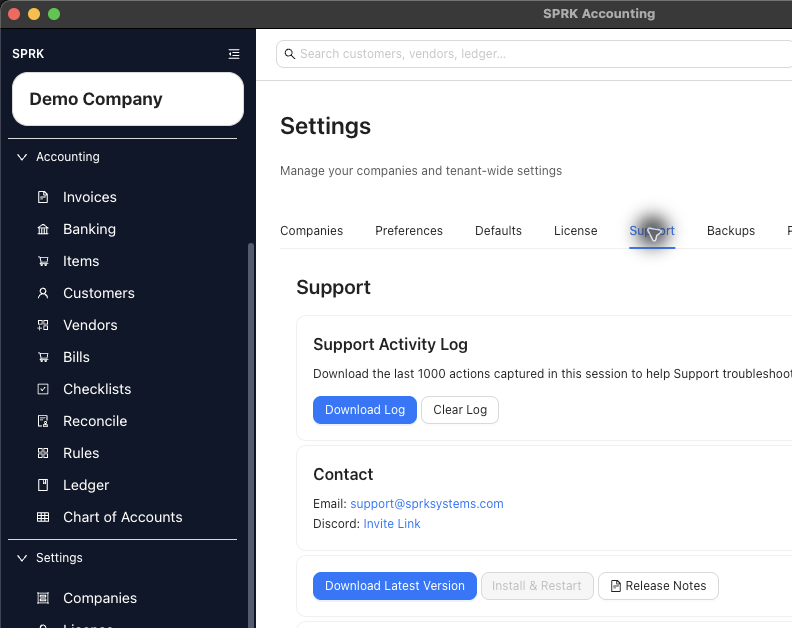
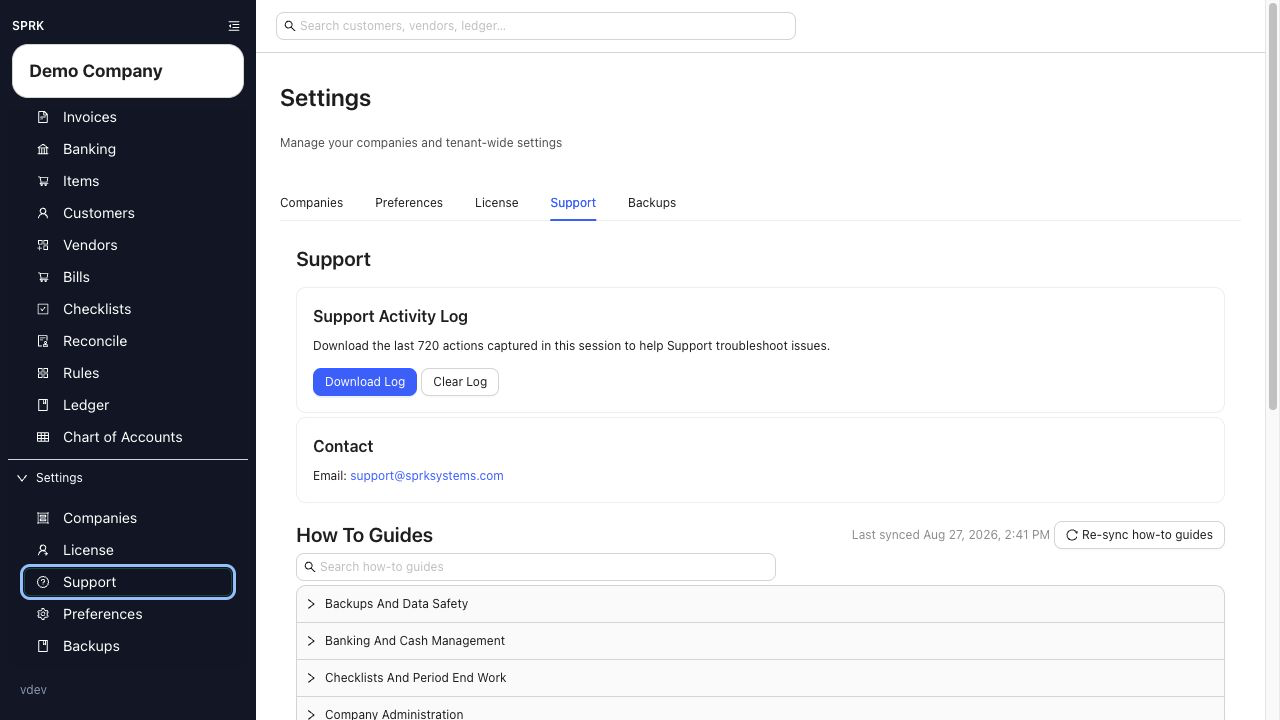
- Open
Supportand download theSupport Activity Log.
Details to capture
- Active company.
- Import page or workflow.
- File type, such as
.csv,.xlsx,.qbo,.qfx,.ofx,.iif, or.zip. - Destination account when the import is account-specific, such as a bank or credit-card account.
- Row or entry counts.
- Duplicate warnings.
- Unresolved accounts, customers, vendors, or items.
- Validation messages.
- Whether any rows were selected or skipped.
- Whether the import was preview-only or confirmed.
- What changed after confirmation.
- Support Activity Log.
What to avoid
- Do not retry the same file repeatedly before capturing warnings.
- Do not make manual cleanup entries before saving the original mismatch details.
- Do not describe hidden technical fields that are not visible in SPRK.
- Do not assume invoice, bill, bank, journal, and company imports have identical correction behavior.
If something looks wrong
| What You See | What To Check | What To Do Next |
|---|---|---|
| The import failed but the details are vague | Page, file type, visible message, and preview result | Capture the specific visible context before contacting support |
| Duplicate warnings disappeared after retrying | Whether the first preview details were saved | Stop and collect the current preview and support log |
| The result changed after confirmation | Which records, rows, documents, or journals changed | Record the changed area before attempting cleanup |
| The import type is unclear | Whether it was bank, journal, invoice, bill, company, or rule import | Use the workflow name support can trace |
Practice and examples
- Practice file: import-run-details-support.csv