
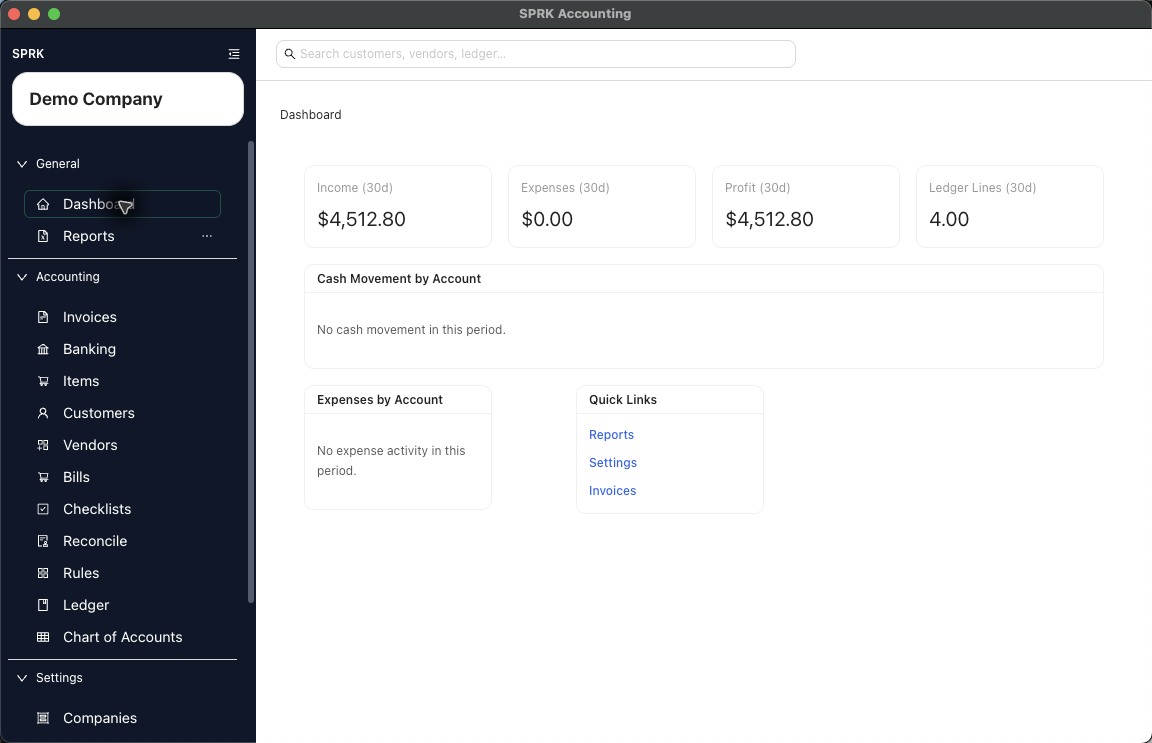
Use this checklist to orient a small-business accounting or bookkeeping firm through the first client setup path in SPRK.
When to use this
Use this guide when you need a high-level sequence from company creation or import through bank review, reconciliation, reporting, and company transfer.
Steps
- Create or import the client company.
- Confirm the active company selector shows the client you intend to work in.
- Review company setup fields, required account fields, accounting edit policies, and control-account settings.
- Review the chart of accounts and opening balances.
- Import bank activity or add the first bank/card account.
- Create or review rules for recurring bank activity.
- Classify, split, match, transfer, or confirm pending bank rows.
- Complete the first reconciliation when statement data is ready.
- Create or import customers, vendors, and items as needed.
- Enter invoices, bills, checks, and payments through their source workflows.
- Run the core reports: trial balance, income statement, balance sheet, cash flow, general ledger, account detail, aging reports, expense by vendor, and reconciliation report where relevant.
- Export or print review outputs when needed.
- Configure backup settings.
- Export a
Company filewhen the firm needs a company-level transfer or safekeeping file. - Start a checklist run if the client needs a recurring close or review cadence.
What to leave for later
- SPRK 1.0 guidance is aimed at accounting and bookkeeping firms serving small businesses, not enterprise ERP, payroll tax filing, tax agency filing, full multi-currency/FX, advanced inventory costing, or perfect historical QuickBooks migration.
- Use a Company File for SPRK-to-SPRK transfer; use import paths for setup and transaction data that originate outside SPRK.