
Check company context when an installed Plugin (Beta) should be used for one company but not another.
When to use this
Use this page when a plugin is installed, but users need to confirm whether its pages or records belong to the active company.
Before you start
- The plugin is already installed.
- You know which company should use the plugin.
- You can switch companies from the sidebar if needed.
Steps
- Confirm the active company in the sidebar.
- Open
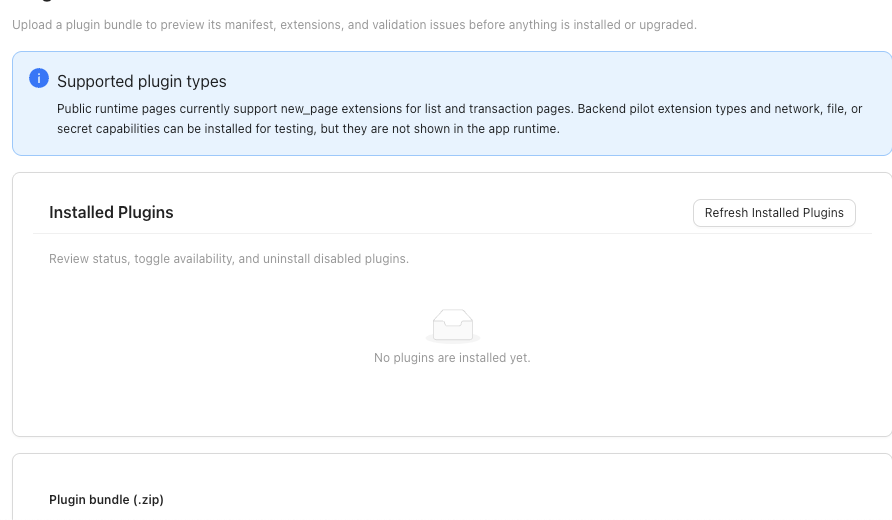
Pluginsfrom the left sidebar. - Refresh
Installed Plugins. - Confirm the plugin is installed and enabled.
- If the plugin row shows company availability controls, set them for the intended company.
- If no company availability controls are visible, treat the plugin as workspace-installed and test visibility in the active company.
- Look for the plugin page under the sidebar
Pluginsgroup. - Switch to another company only if you need to confirm the plugin’s visibility there.
- Return to the intended company before entering plugin records or transactions.
What This Changes
Changing plugin availability controls whether users can reach its pages for the selected company.
If something looks wrong
| What You See | What To Check | What To Do Next |
|---|---|---|
| The page is missing | Active company and plugin status | Confirm both before changing navigation |
| The plugin is disabled | Whether it should be available for this company | Enable it only when your company intends to use it |
| The plugin is visible in one company but not another | Company availability controls | Review the plugin’s company access |
| Company-specific plugin data looks wrong | Active company and affected records | Stop and collect details before editing records |