
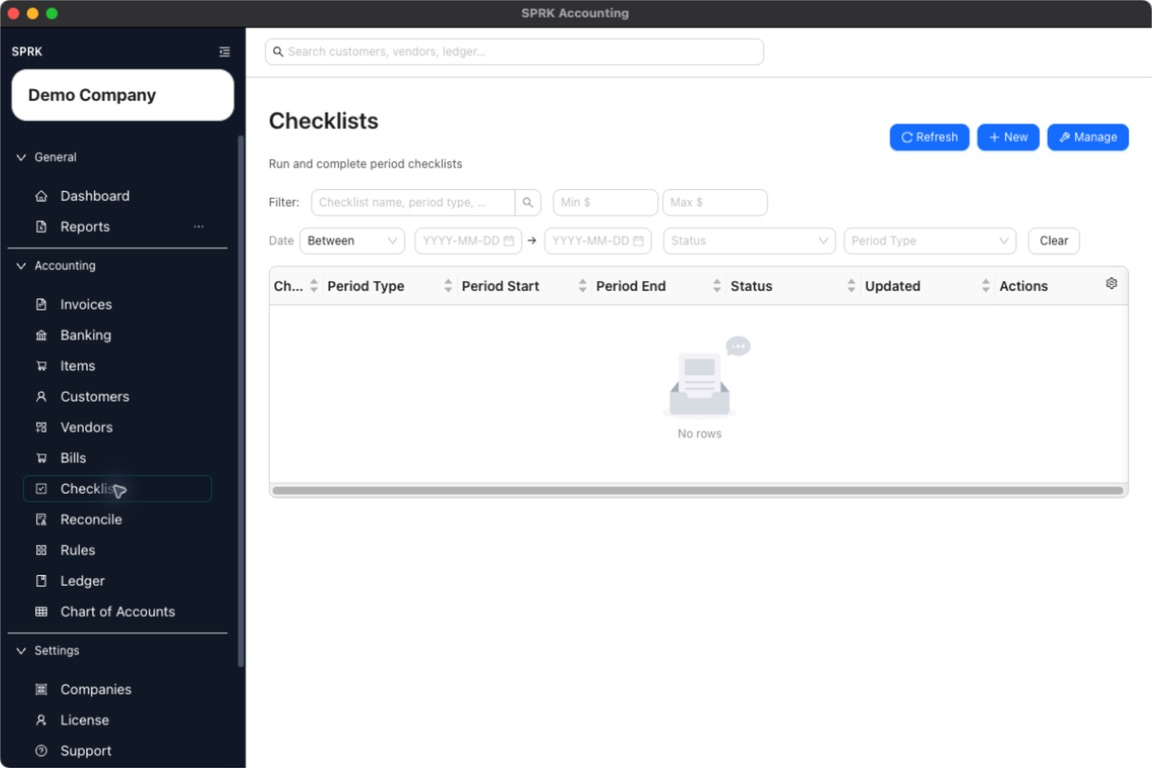
Use this month-end checklist to review banking, reconciliation, receivables, payables, reports, and backups before you finish the period.
When to use this
Use this page when you are closing a month, reviewing a client file, preparing financial statements, or checking whether routine accounting work is complete before reporting.
Before you start
- The correct company is active.
- Bank and credit-card activity for the period has been imported or entered.
- Customer invoices, payments, vendor bills, checks, and journal entries are entered through the source pages that fit the work.
- You know the month or period you want to review.
Steps
- Confirm the active company before you review anything.
- Open
Bankingand review pending bank and credit card transactions.- Assign accounts and vendors where needed.
- Confirm only the rows you are ready to post.
- Leave unclear items pending until you can review them.
- Open
Reconcileand complete bank and credit card reconciliations for the period.- Match or clear transactions carefully.
- Resolve differences before finishing the reconciliation.
- Print or review the reconciliation report after posting.
- Review open receivables.
- Check invoices that remain open.
- Apply customer payments that have been received.
- Run receivables aging if the report is available.
- Review open payables.
- Check bills that remain unpaid.
- Review checks or payment records entered for the period.
- Run payables aging if the report is available.
- Review the
Ledgerfor manual journal entries that affect the period.- Confirm accruals, reclasses, owner entries, and adjusting entries.
- Confirm any intended reversing entries use the correct reversal date.
- Run core reports from
Reports.- Start with
Trial Balanceto scan account balances. - Review
Balance Sheetfor as-of balances. - Review
Income Statementfor the period. - Use
General LedgerorAccount Detailto investigate unusual balances.
- Start with
- Use report drilldown before making corrections.
- Make corrections through the source workflow whenever possible.
- Use invoices for customer billing corrections.
- Use bills or checks for vendor/payables corrections.
- Use banking for bank transaction classification.
- Use journal entries for accountant adjustments that do not belong to a source workflow.
- Export or save the reports your firm keeps with the period workpapers.
- Use
Checkliststo track review tasks that should be repeated every month. - Review backup/export expectations for the company before major cleanup, import, or transfer work.
What happens next
The month-end review gives you a repeatable path for finding missing activity, wrong classifications, open AR/AP items, reconciliation issues, and report balances that need attention.
- Reports show posted data; correct an issue from the page that owns the original transaction when possible.
If something looks wrong
| What You See | What To Check | What To Do Next |
|---|---|---|
| A report difference is going straight to a journal entry | Whether the source transaction explains the difference | Review the source transaction before posting an adjustment |
| Reconciliation is ready to finish while bank activity is still missing | Whether all known statement activity has been imported or entered | Add or review missing bank activity before finishing |
| Aging report totals look incomplete | Whether invoices, bills, and payments have all been entered | Complete the source workflows before relying on aging reports |
| Reports show the wrong company | Whether the active company matches the review file | Switch to the correct company and rerun the reports |
| Closed-period history looks messy | Whether a correction or reversal workflow is available | Use supported correction workflows instead of deleting history |