
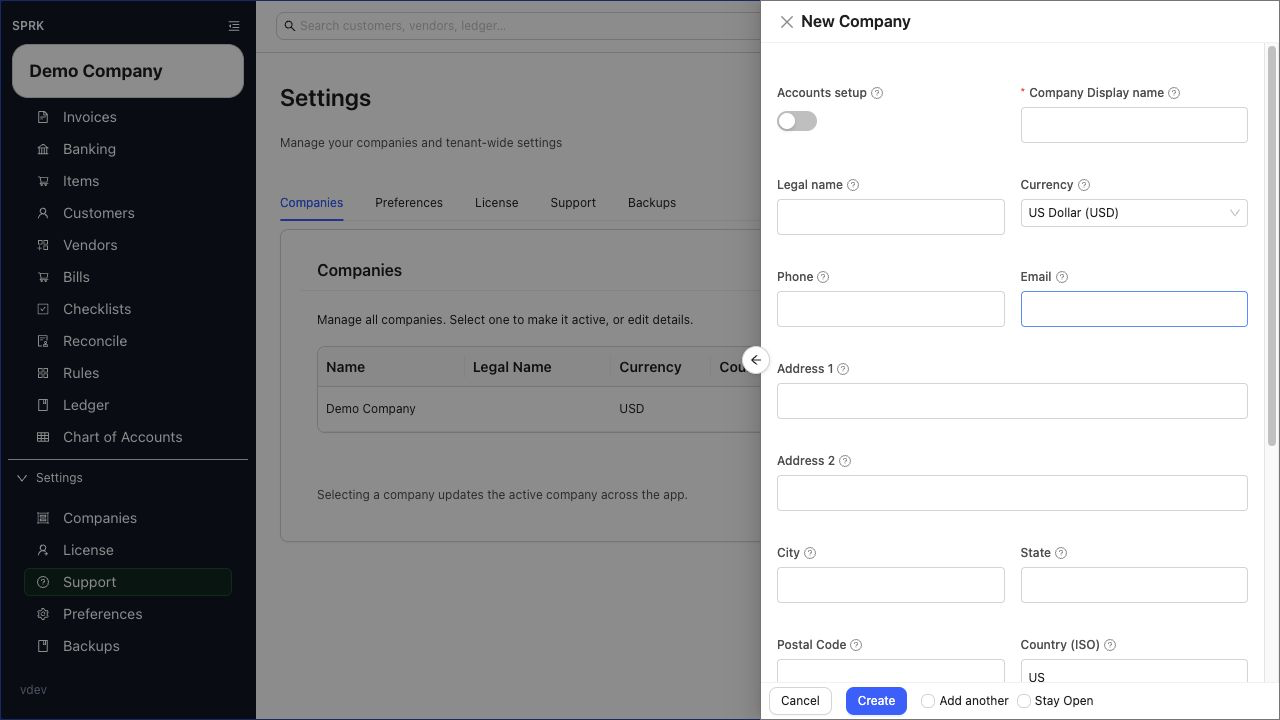
Use this first-week setup workflow to move from a new company record to a usable accounting file with core defaults, lists, bank accounts, opening balances, and review reports.
When to use this
Use this page when you have just created or imported a company and want a practical setup path before day-to-day bookkeeping begins.
Before you start
- You know whether the company is starting fresh or being migrated from another accounting system.
- You know the preferred chart of accounts approach.
- You know the bank and credit card accounts that need to be tracked.
- You know whether the company needs invoices, bills, checks, or all three.
Steps
- Create the company or import the company data.
- Confirm the active company in the sidebar before continuing.
- Review company-level setup fields.
- Confirm company name, country, currency, fiscal year, and posting cutoff date.
- Confirm required account fields and account display preferences.
- Review the
Chart of Accounts.- Confirm cash, bank, credit card, receivable, payable, income, expense, and equity accounts.
- Add or clean up accounts before entering daily activity.
- Confirm default AR and AP accounts if you plan to use invoices and bills.
- Set up customers before entering invoices.
- Review payment terms.
- Add customer records needed for open invoices or new billing.
- Set up vendors before entering bills or checks.
- Add vendor records needed for open bills or common payments.
- Add default expense accounts where repeated vendor coding will help.
- Set up items before invoicing if the company uses item or SKU-based invoice lines.
- Add or review bank and credit card accounts.
- Enter opening balances only when you understand the opening date and account balances being carried forward.
- Import or enter open AR and AP items if the company is moving from another system.
- Run setup review reports.
Trial BalanceBalance SheetIncome Statement, if there is beginning-period activity- Aging reports, if open AR or AP is entered
- Review one sample workflow before broad entry begins.
- Create a test invoice path if sales will be used.
- Create a test bill or check path if payables will be used.
- Import and confirm a small set of banking activity if bank feeds/imports are part of the process.
What happens next
The company should be ready for normal bookkeeping with fewer surprises around missing accounts, default AR/AP settings, uncategorized bank activity, or incomplete customer/vendor lists.
If something looks wrong
| What You See | What To Check | What To Do Next |
|---|---|---|
| Current-month work is starting | Whether the intended company is active | Confirm the active company before entering transactions |
| Source data is ready to import | Whether the chart of accounts and setup choices are correct | Fix setup before importing source data |
| Invoices or bills will be used soon | Whether default AR/AP accounts have been reviewed | Set or review defaults before entering documents |
| Opening balances are being created | Whether the cutoff date is clear | Confirm the cutoff date before posting setup balances |
| A transaction is being entered as a journal entry | Whether a source workflow is the better home | Use the source workflow when it better explains the transaction |