
Prepare vendor-level expense defaults before you enter repeat payables, checks, or bank classifications so supported workflows start with cleaner coding.
When to use this
Use this page when the same vendor usually points to the same expense account and you want SPRK to reuse that setup where the current workflow supports it.
Why This Matters
- Vendor setup can carry a
Default Expense Account. - Clean vendor setup also helps vendor-aware bank imports resolve vendor columns by exact active vendor ID or uniquely matched active vendor name when that workflow is available.
- Supported workflows can reuse that default instead of making you recategorize the same vendor repeatedly.
- The default helps reduce cleanup work later when you review vendor activity and expense reporting.
- A saved default does not replace review. You should still confirm the final account before you save or confirm a transaction.
Before you start
- You can open
Vendors. - The expense account you want to reuse already exists, is active, and is eligible for posting. Nonposting summary accounts and restricted control accounts may stay visible in
Chart of Accountsbut be omitted from default-account selectors. - You know which vendors usually post to the same expense category.
Setup Workflow
- Open
Vendors. - Create a vendor or edit an existing one.
- Review the main contact fields first so the vendor record is easy to find later.
- In
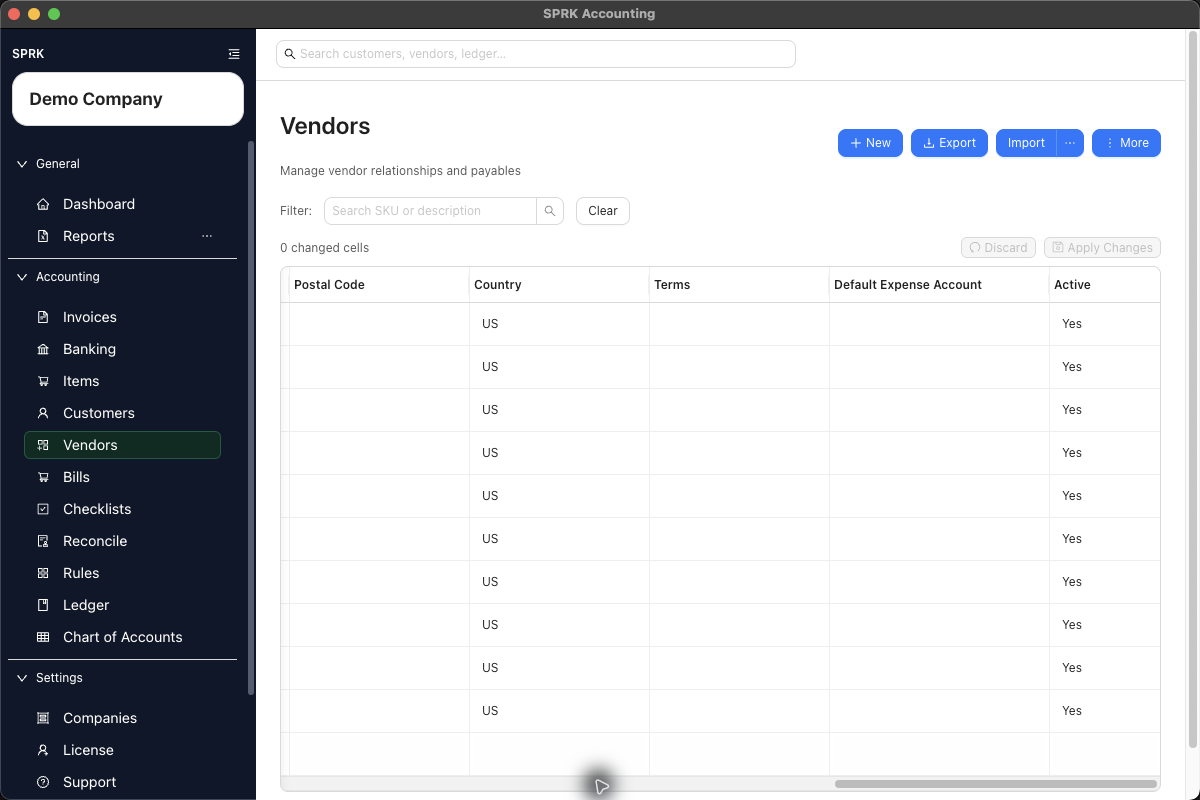
Default Expense Account, choose the expense account you usually want to use with this vendor. - Save the vendor.
- Revisit the default later if the vendor starts crossing multiple expense categories often enough that a single default stops being useful.
- If you import vendor records, review any imported default expense account mappings before relying on them in day-to-day work.
Where SPRK Can Use This Default
- In
Checks, selecting a vendor can fillOffset Accountwhen that field is still blank. - In
Bills, a vendor or header default can help fill blank line accounts, but each bill line still needs review before posting. - In
Banking, selecting or changing a vendor can fill the transaction’s GL account/category when no manual category, split, or rule already controls the transaction. - In vendor-aware bank-import preview, exact active vendor IDs and uniquely matched active vendor names can resolve imported vendor columns. Unresolved names stay visible until you choose a vendor, create the unknown vendors from the preview, or leave the row for later review.
- If Banking prompts before saving a placeholder-style vendor default such as
Ask My Accountant,Pending, orTBD, review the warning before you let that account become the vendor’s reusable default. - Vendor imports can map or resolve the default expense account during setup review.
- Vendor and customer list columns show readable account labels for saved defaults where the current UI exposes those columns, not raw stored account IDs.
Where You Should Still Review Manually
- Bills still need line-by-line account review before you save them as
Open. Default Expense Accountand bill headerDefault expense accountare fallback helpers; the bill lineAccountis the posting source.- A rule can take priority over a vendor default in banking workflows.
- A manual category or saved split should stay in control once you have already chosen a more specific result.
- Mixed-use vendors may need one-off exceptions even when a default is usually helpful.
What happens next
The vendor record carries a reusable expense default, and supported check and banking workflows can start from cleaner coding with less repetitive entry.
If something looks wrong
| What You See | What To Check | What To Do Next |
|---|---|---|
| You cannot find the expected page, action, or result | Looking for a nonposting parent account in the default selector | Choose the posting account that should receive vendor activity |