
Compare SPRK’s import options and choose the one that matches the records you are moving.
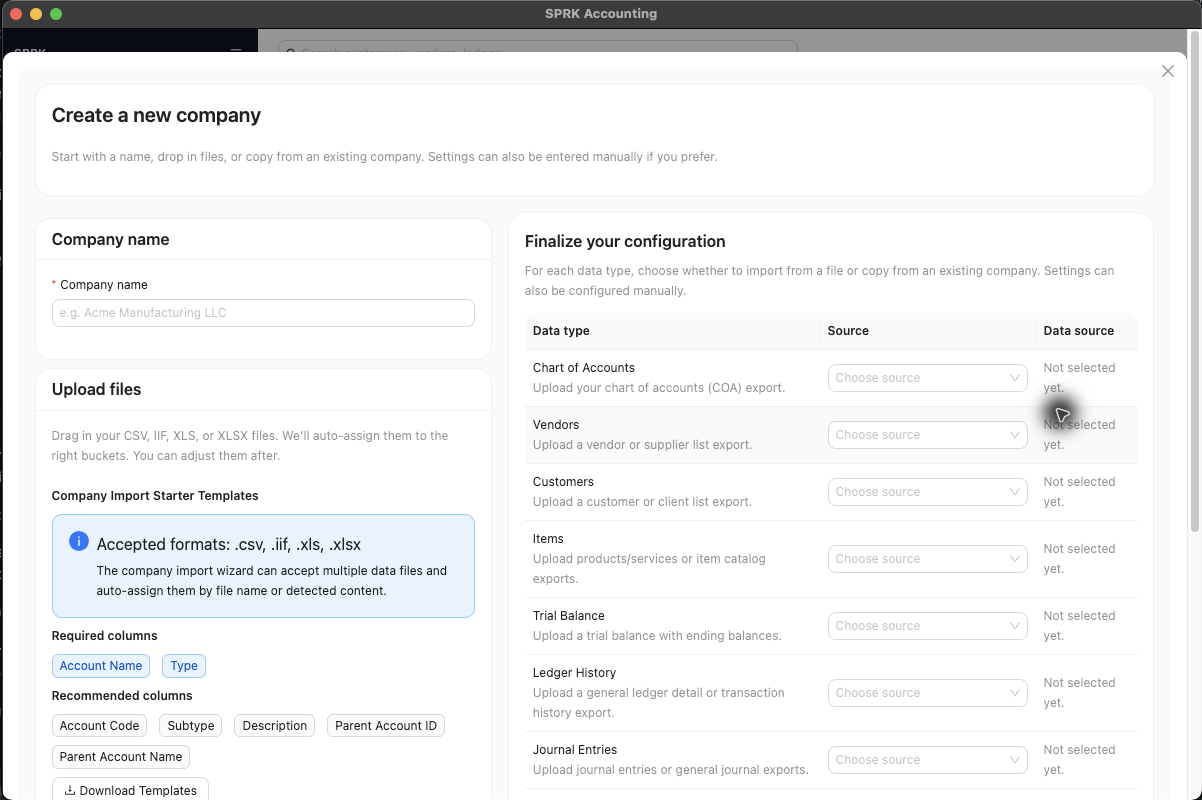
Start here
Use this page when you know what you want to move but are not sure which import to use.
Choose the right import
| Goal | Use | Check First |
|---|---|---|
| Prepare for any import | Before you import | Active company, source file, template, preview warnings, and post-import review plan |
| Import mixed setup data into a new company | Use the Import Wizard | Company name, data-type source slots, and setup records |
| Import bank or credit card transactions | Import bank transactions | Selected account, duplicate warnings, party names, and pending review |
| Import journal entries | Prepare and review ledger imports and exports | Balanced rows, account labels, vendors, dates, and preview totals |
| Import grouped invoices | Import invoices | Customers, invoice numbers, line accounts, and Receive to routing |
| Import grouped bills | Import bills | Vendors, bill numbers, line accounts, and Pay from routing |
| Move an existing SPRK company file | Export and import Company Files | Company identity, export file, import preview, and replace warning |
Before You Commit
- Preview before confirming whenever SPRK exposes a preview.
- Download the visible template or starter file when SPRK offers one.
- Capture visible diagnostics, duplicate warnings, row counts, and file type if the import does not behave as expected.
- Run post-import review before relying on reports or balances.
- For document imports, review control-account routing versus settlement-account routing before confirmation.
What Not To Assume
- Every import path does not have the same duplicate review, confirmation, or correction options.
- Preview and template-download steps do not post entries.
- Confirmed bank rows, opened invoices or bills, and committed journal batches can affect the ledger according to their workflow.
- Imported documents that use cash, bank, or credit-card settlement routing can post as paid-now activity instead of remaining open AR/AP balances.
- Direct QuickBooks imports are setup aids, not a promise that every historical QuickBooks transaction type is recreated perfectly.
If something looks wrong
| What You See | What To Check | What To Do Next |
|---|---|---|
| A file was uploaded successfully but balances look wrong | Whether post-import review was completed | Review setup lists, documents, bank activity, reconciliation status, and reports |
| A template is being treated as the required production format | Whether the template is only a starter | Use it to shape the file, then review preview results |
| Grouped invoice or bill rows are being retried | Duplicate-number errors and previous import results | Resolve duplicates before confirming again |
| Paid-now documents still appear expected as open AR/AP | Receive to or Pay from routing |
Use a control account when the document should stay open |
| Company File wording is used for ordinary imports | Whether the path is a SPRK company transfer | Use workflow-specific import language for bank, journal, invoice, or bill files |